CRM data integration
Connect to the existing CRM through its API and bring business records into a reporting layer built around ownership's questions.
Implementation case study / Plumbing company
A custom command center connecting CRM records, financial data, and AI reporting. Built to give ownership a broader operating view and organize opportunities for revenue-recovery follow-up.
The operating challenge
The company needed financial and operating views that were not available in its day-to-day CRM. Ownership wanted to connect the work being delivered with the money collected, marketing performance, and opportunities needing follow-up.
QuantumCrew built a command center around those questions. CRM API integration and financial data created a reporting layer; AI helped turn the connected records into dashboards and an organized revenue-recovery workspace.
What we built
Connect to the existing CRM through its API and bring business records into a reporting layer built around ownership's questions.
Give the owner a central view of collected revenue, jobs, invoices, and operating performance beyond the CRM's day-to-day screens.
Use AI to help build dashboards and reporting from the connected records, making the data useful for the operator.
Bring financial data alongside CRM records to support business reporting and a clearer view of the money behind the work.
Connect marketing channels to financial reporting, with visibility into attribution confidence and work that lacks a traceable source.
Query and organize invoice and opportunity records to identify follow-up candidates for a revenue-recovery campaign.
Inside the implementation
Product views from the implementation. Client identity and business data have been redacted.
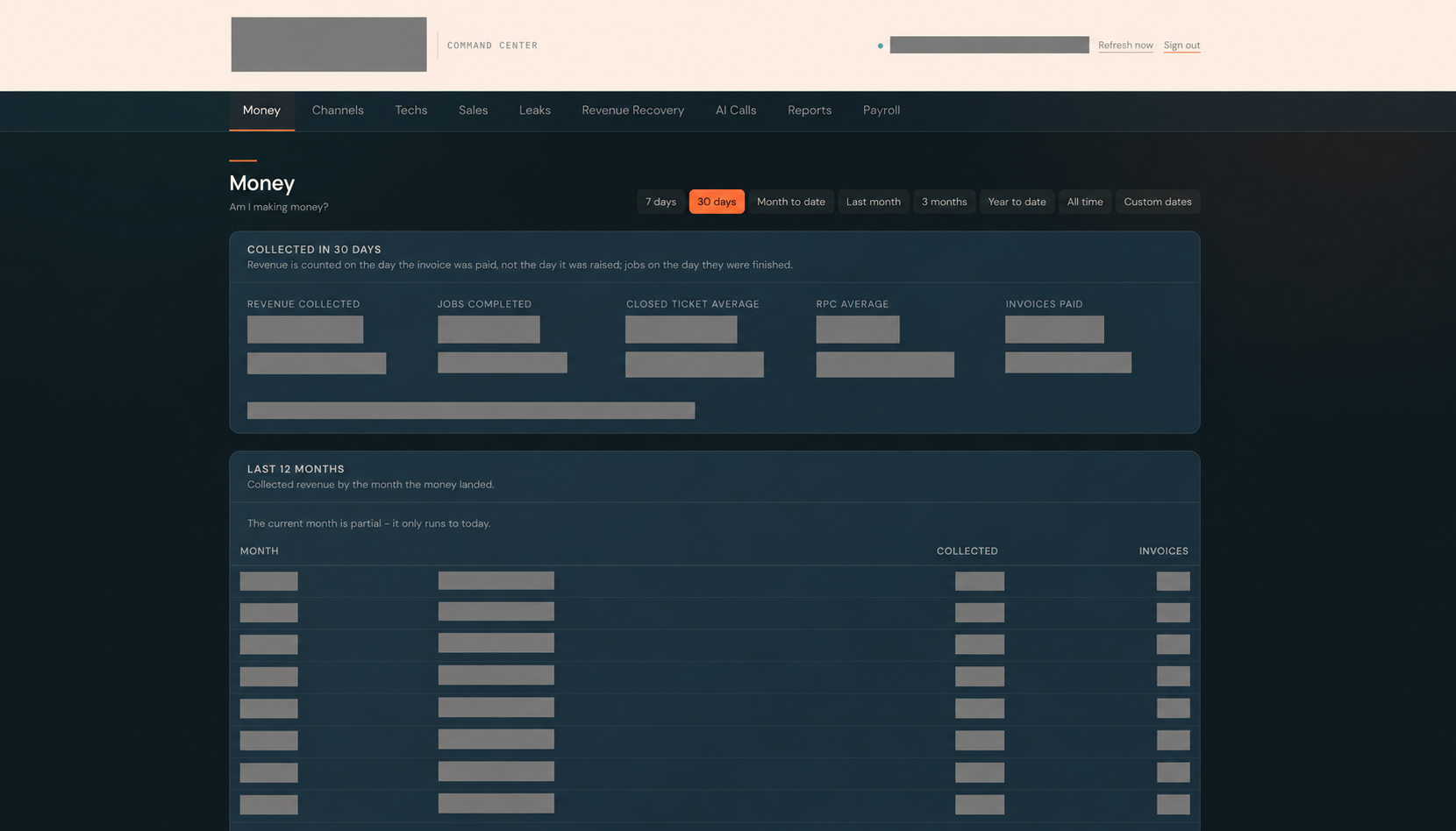
The money dashboard organizes collected revenue, completed jobs, ticket averages, paid invoices, and period reporting in one view.
Redacted product view · Open image to view at full size.
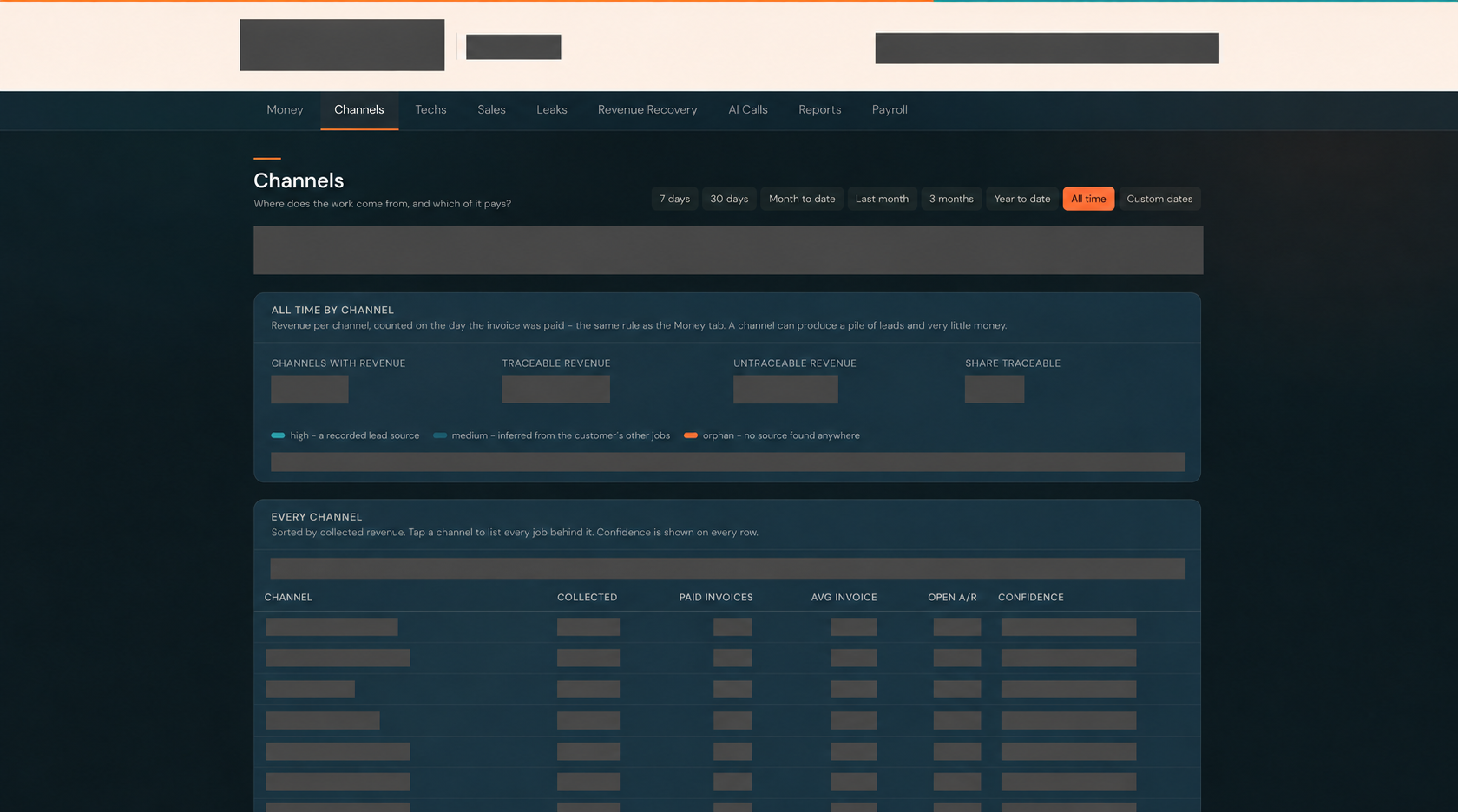
The channel view relates lead sources to collected revenue and shows attribution confidence, including records without a traceable source.
Redacted product view · Open image to view at full size.
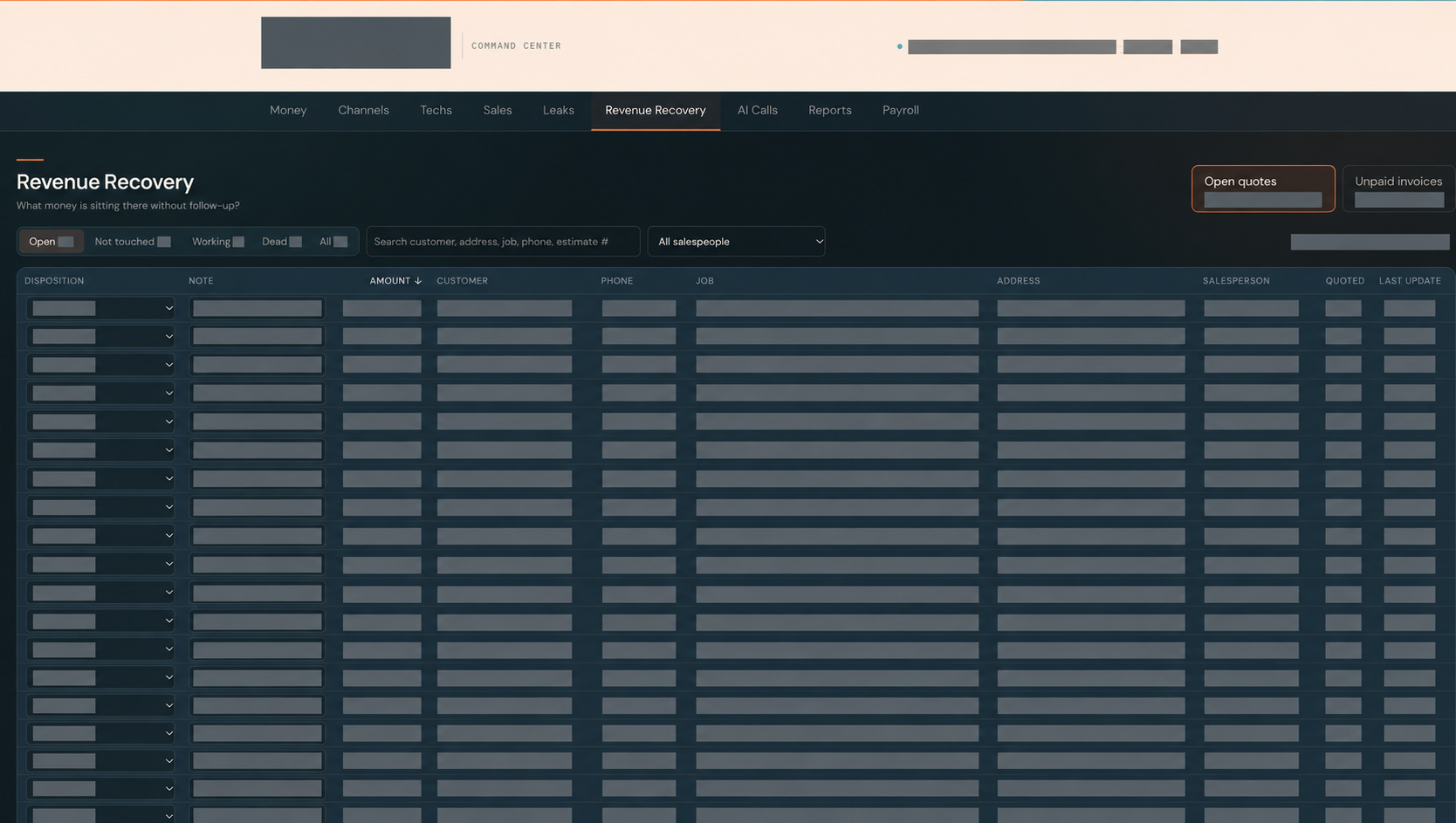
The recovery view brings open quotes and unpaid invoices into a workspace with search, assignment, disposition, and notes for managing follow-up.
Redacted product view · Open image to view at full size.
The implementation
Organizing invoice and opportunity data created a way to identify and manage follow-up candidates. The recovery workspace gives the operator a place to review the opportunity, assign responsibility, and track its disposition.
This case documents the implementation and the follow-up workflow. An identified opportunity is not recovered revenue. Client identity, financial values, and realized campaign results remain private.
Build around your business
Tell us what you need to see, connect, or act on. We’ll discuss the reporting and workflow behind a useful first implementation.
Discuss your projectA free 15-minute fit call with Devin.